
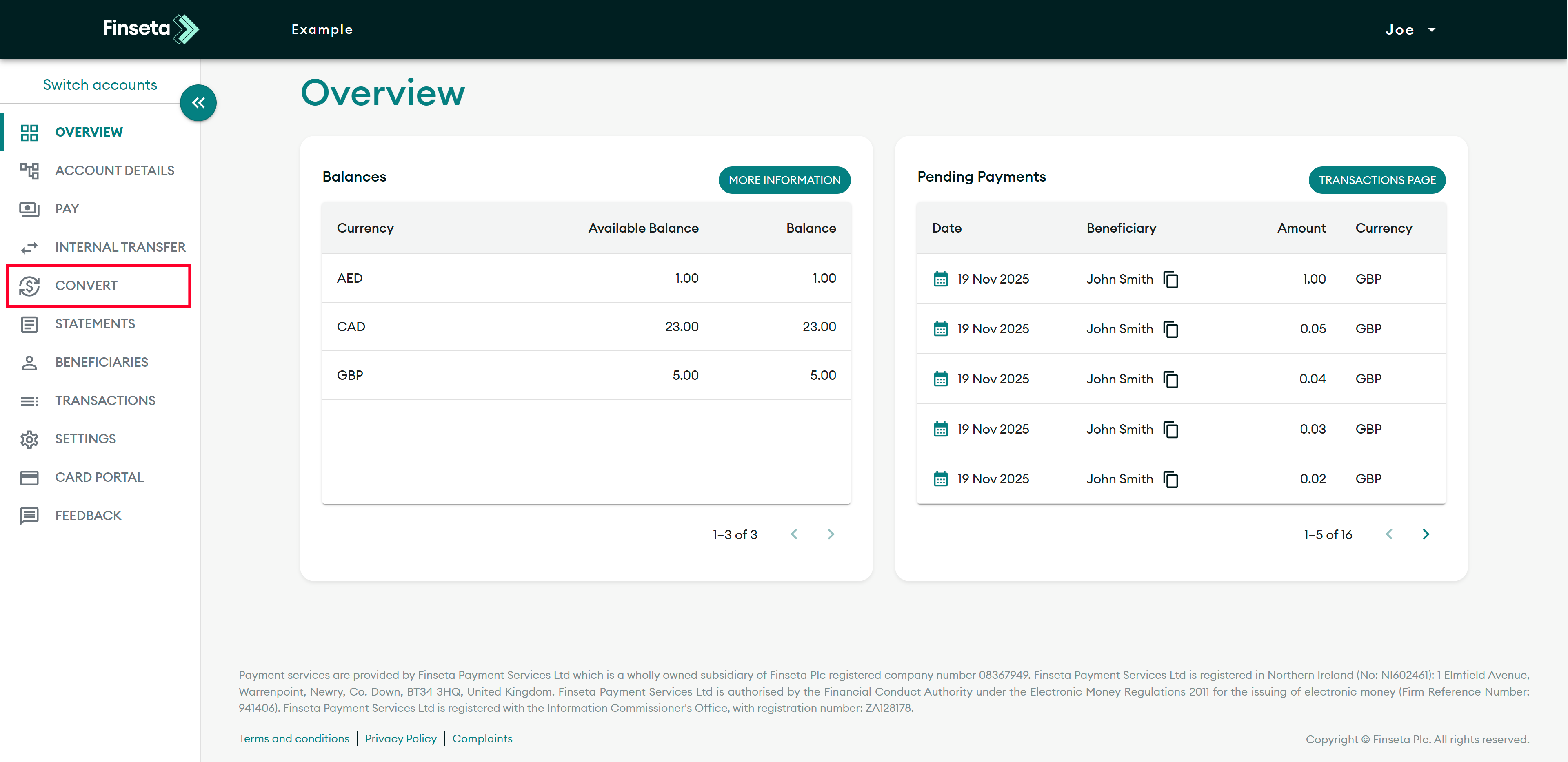
STEP 1
Login to the Finseta portal, then click "CONVERT."

STEP 2
Select your sell currency.
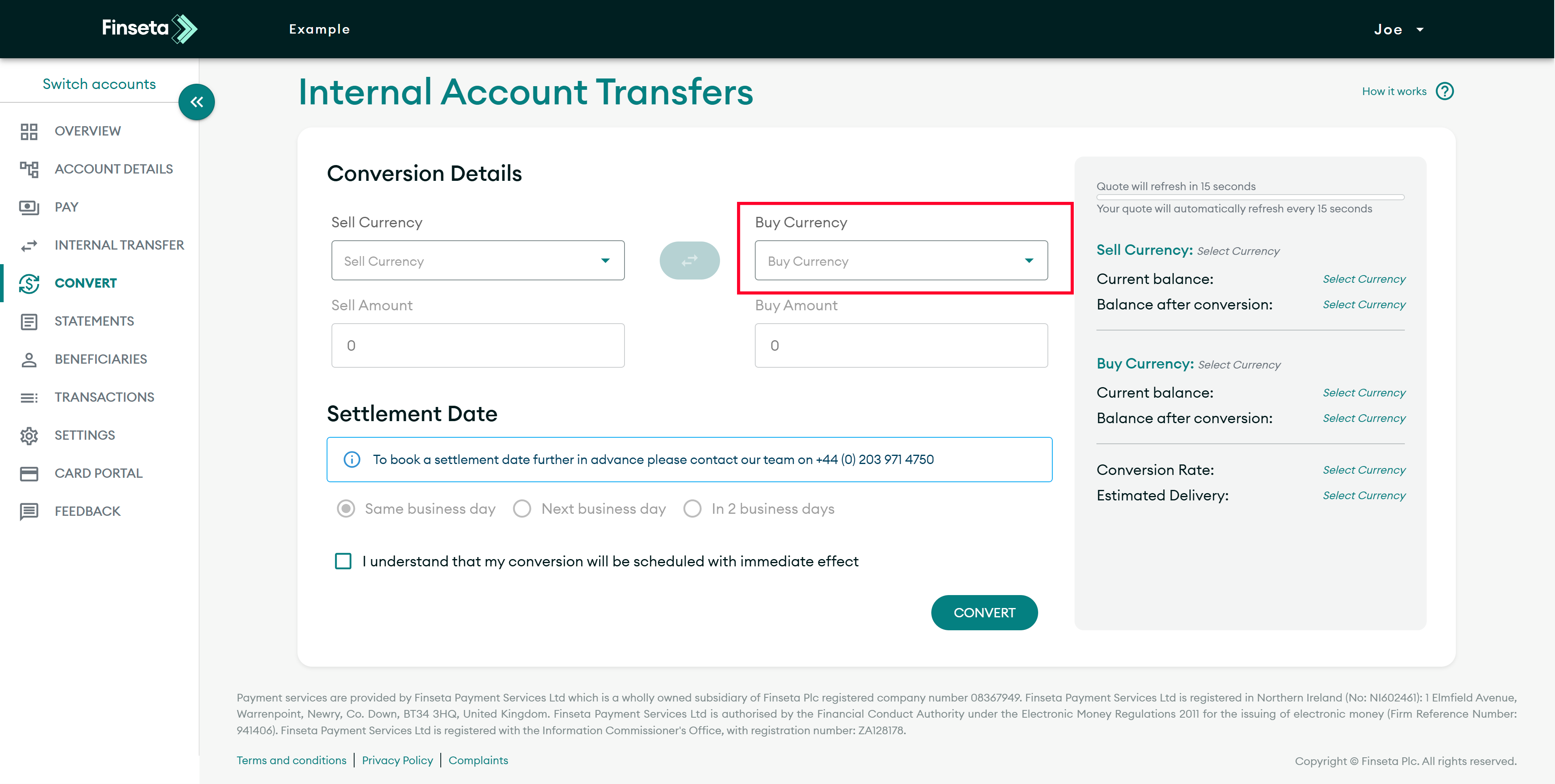
STEP 3
Select your buy currency.
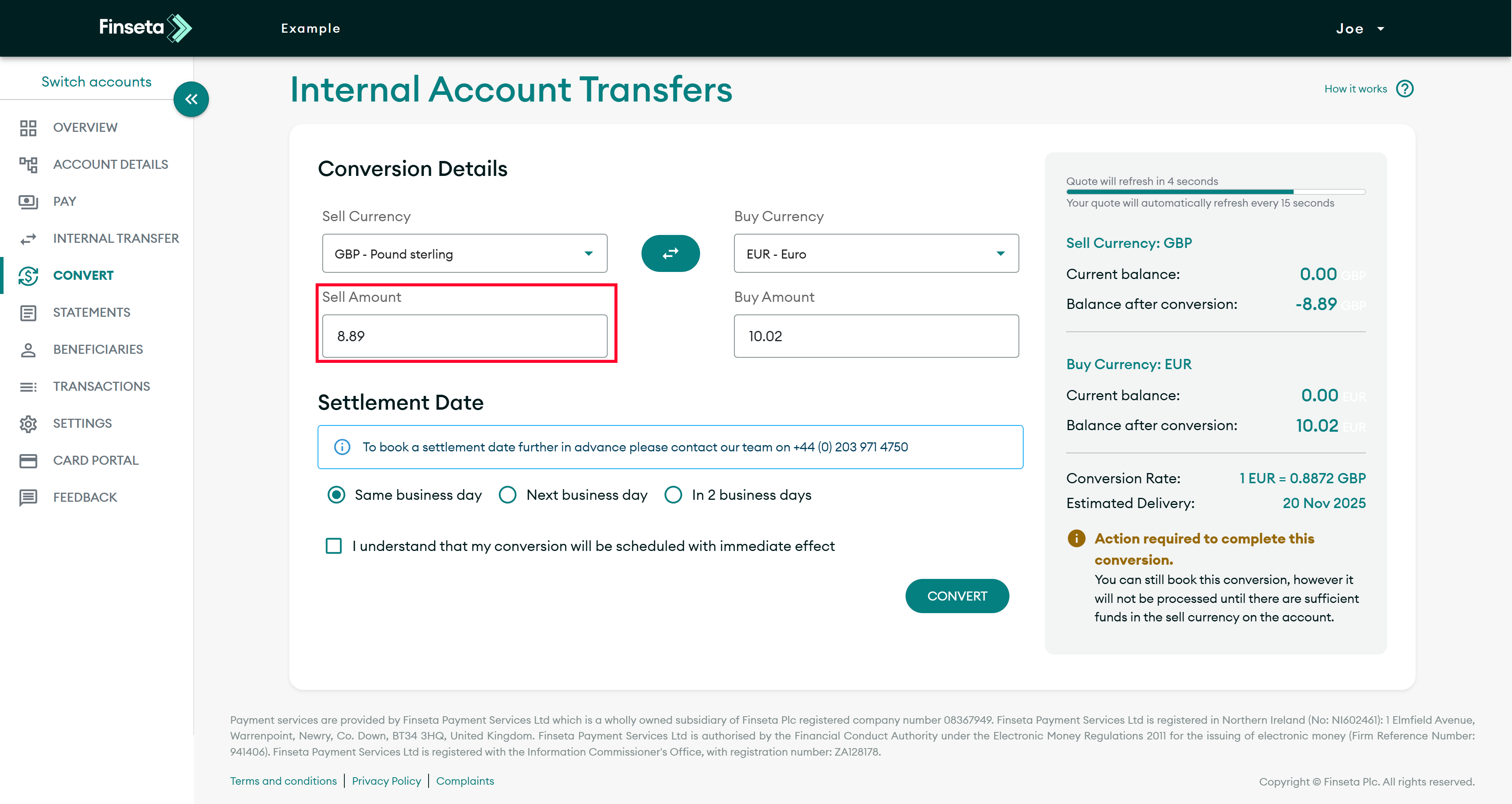
STEP 4
If you have a specific amount you wish to sell, enter it under the sell currency.
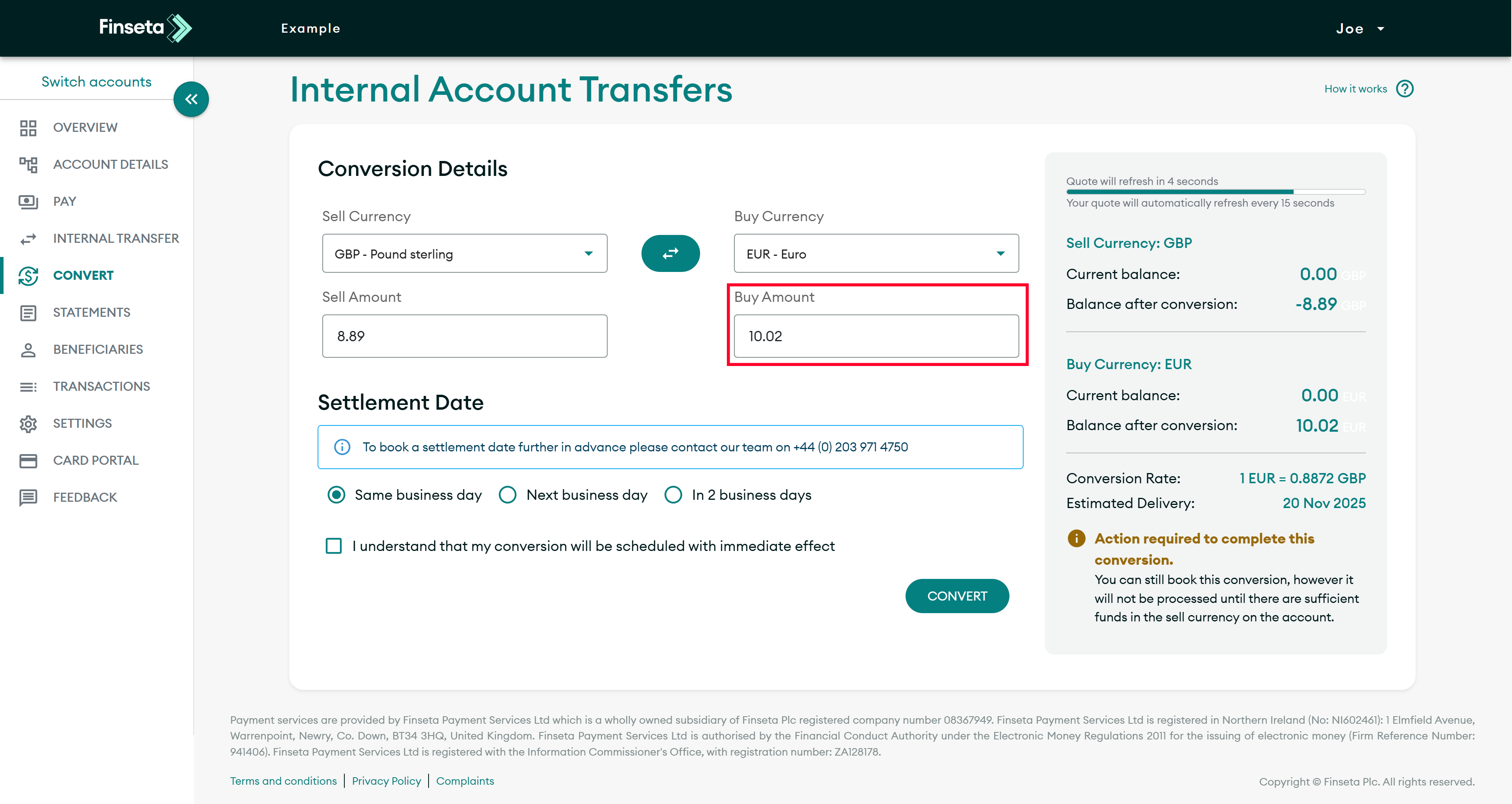
STEP 5
If you have a specific amount you wish to buy, enter it under the buy currency.
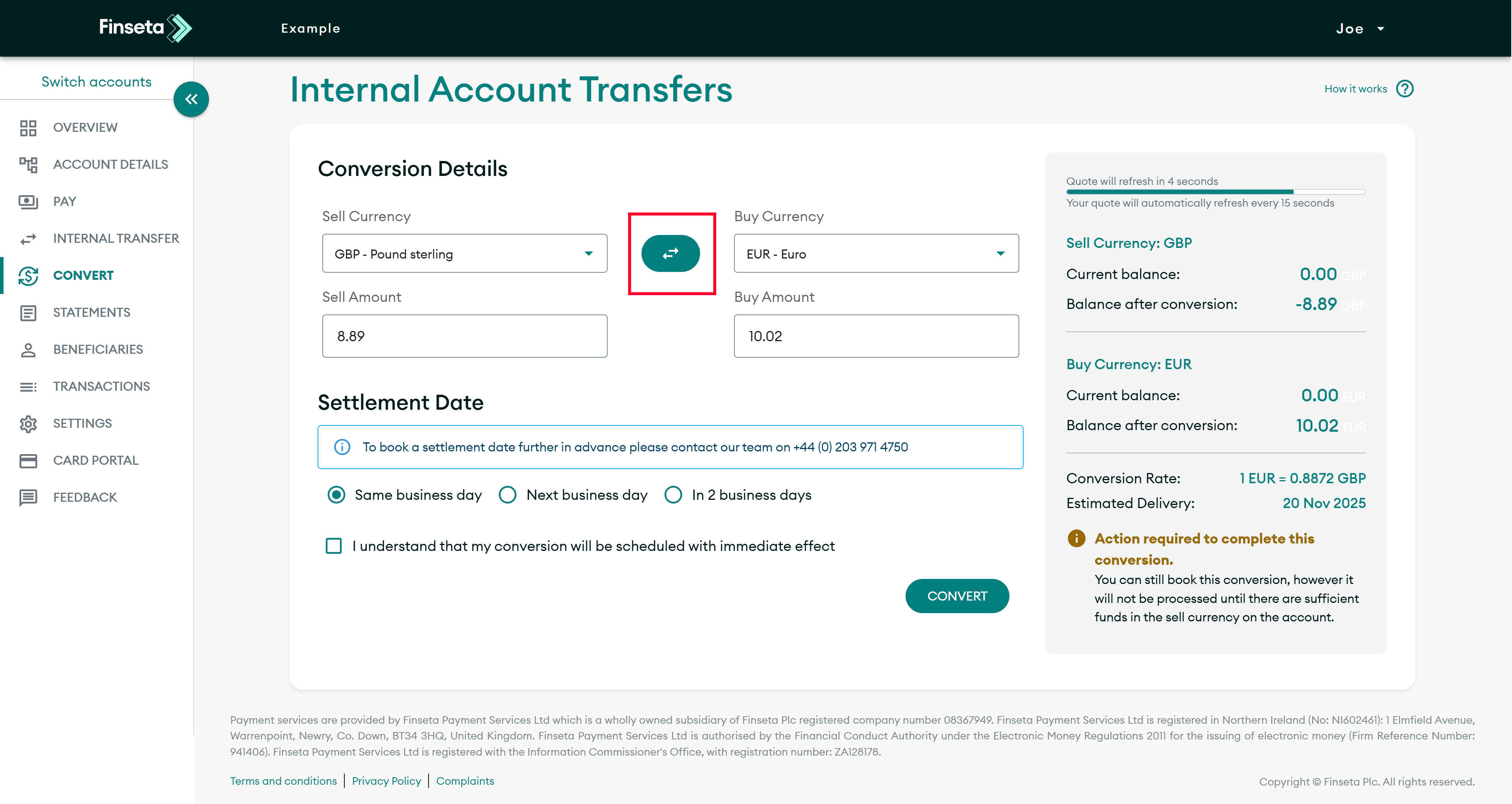
STEP 6
If you wish to swap the currency pair, click the button indicated below.
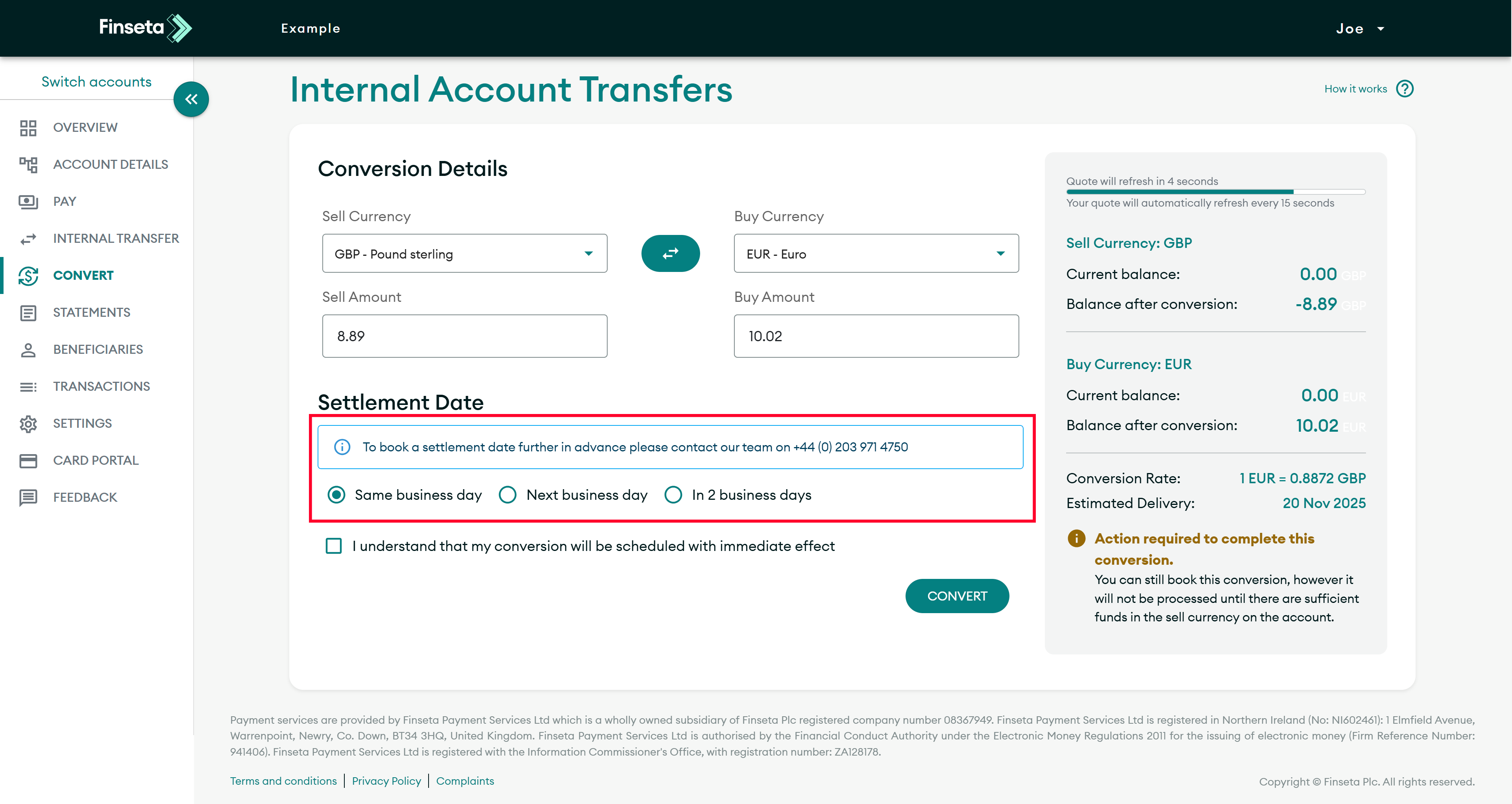
STEP 7
Select when you want the trade to settle.
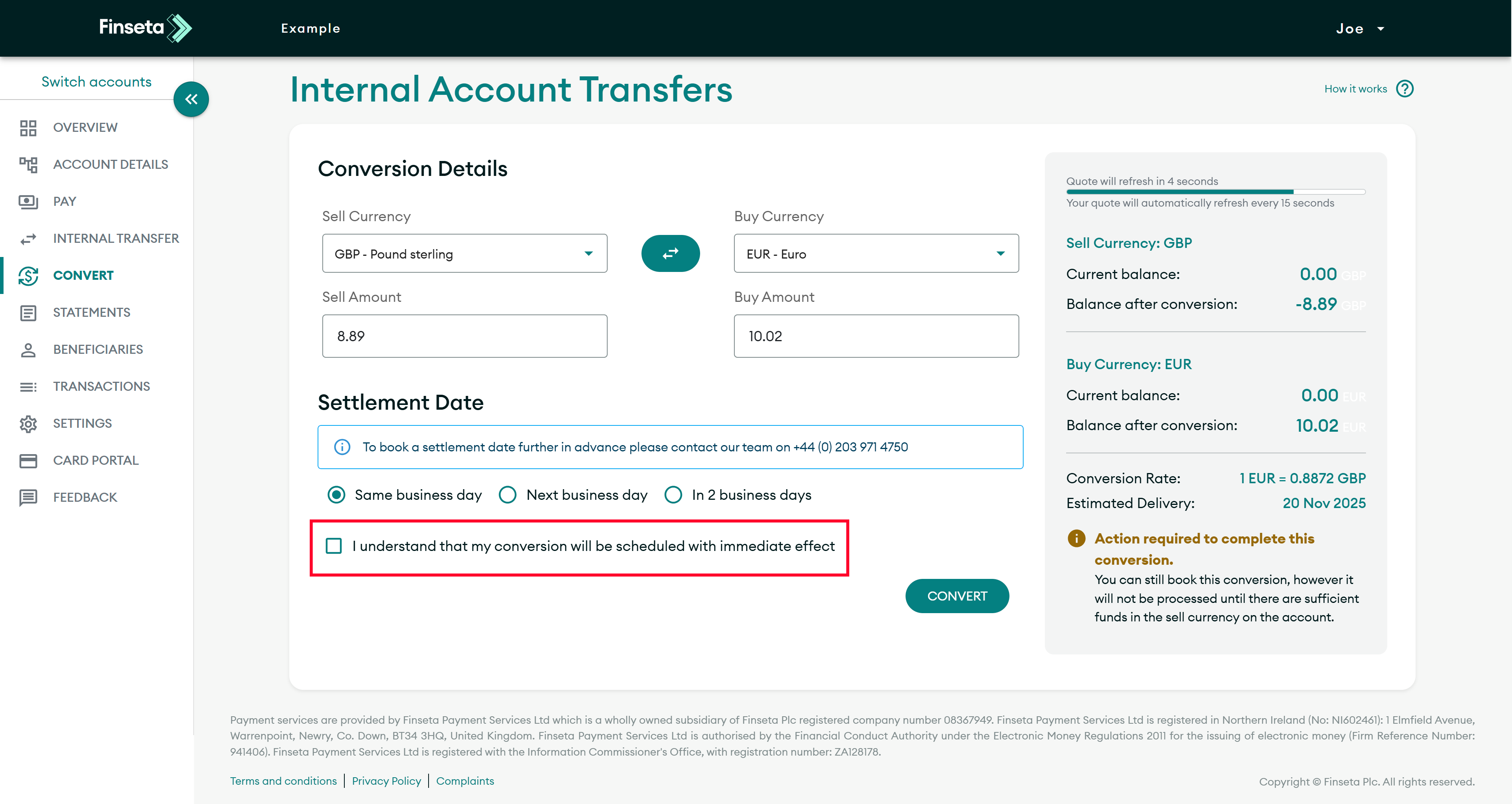
STEP 8
Click to confirm that you understand that your conversion will be scheduled with immediate effect.

STEP 9
Click the "CONVERT" button.


