
STEP 1
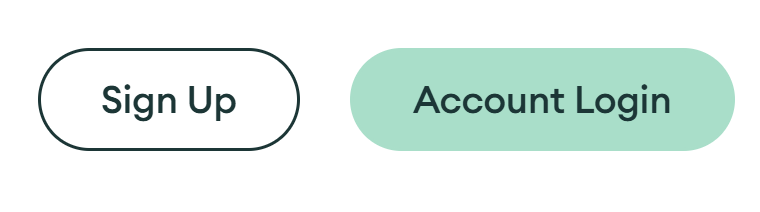
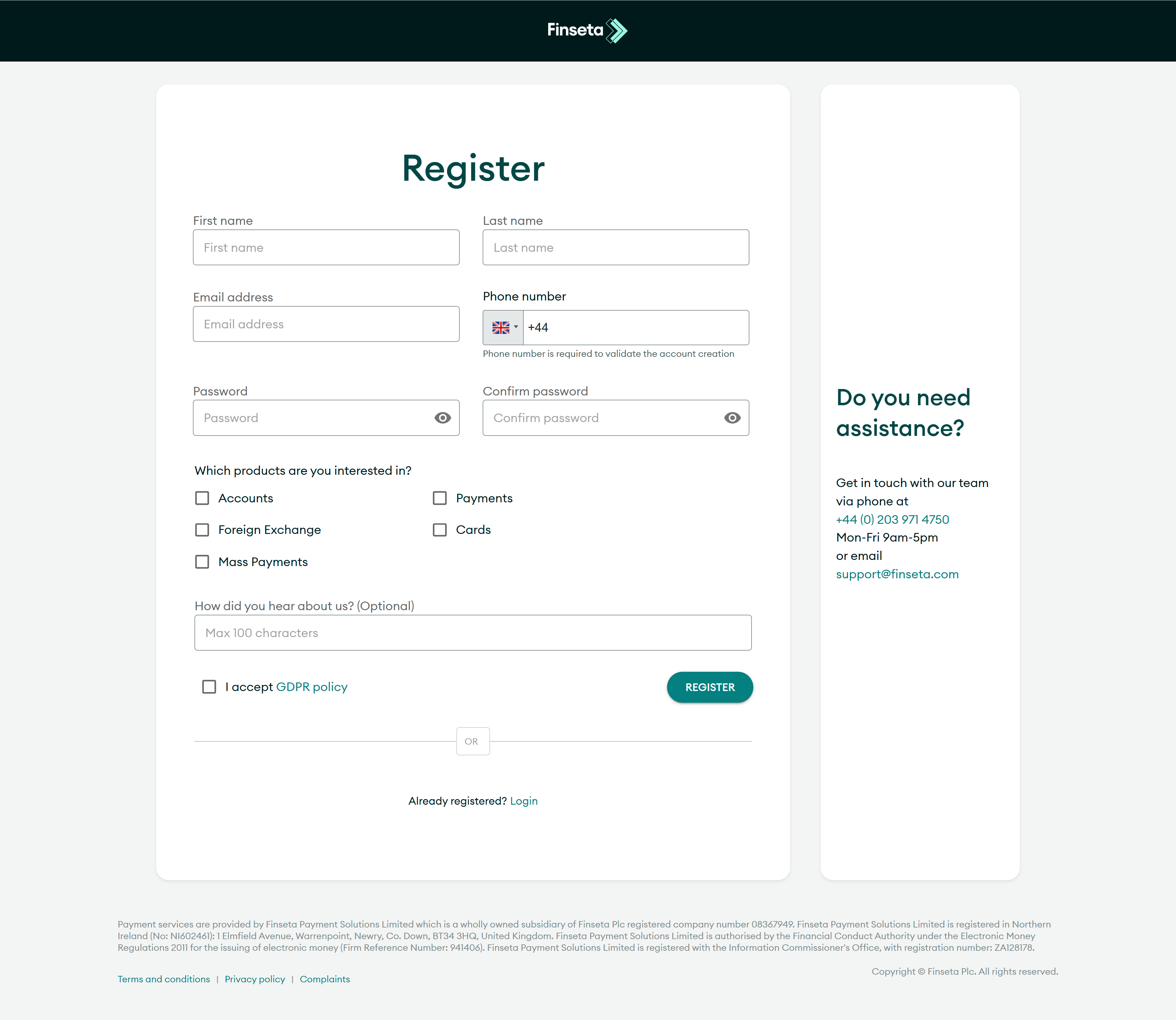
If you don't have an account already, click the "Sign Up" button in the top right-hand corner of this webpage, and register your details.
STEP 2
Login to your account using your details.

STEP 3
Login to your account using your details.

STEP 4
Click "GET STARTED" on the Personal Account tile.

STEP 5
Input your personal information, and click "NEXT."

STEP 6
Enter the information related to the activity of the account, and click "NEXT."

STEP 7
Review the details you have entered, read the Terms and Conditions, and tick the box to confirm your acceptance. Then click "SUBMIT."


