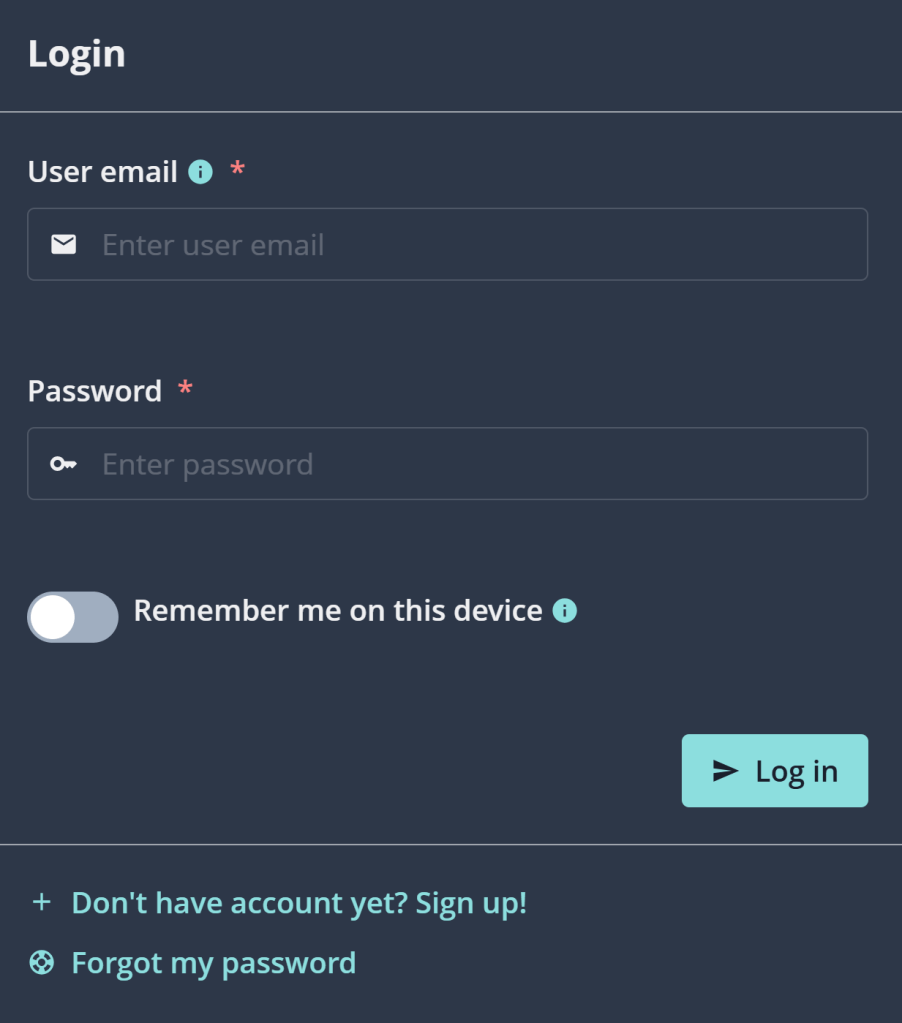
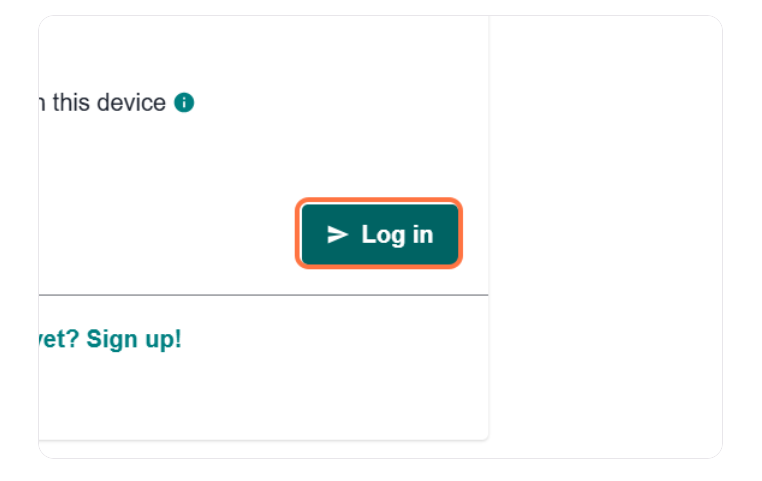
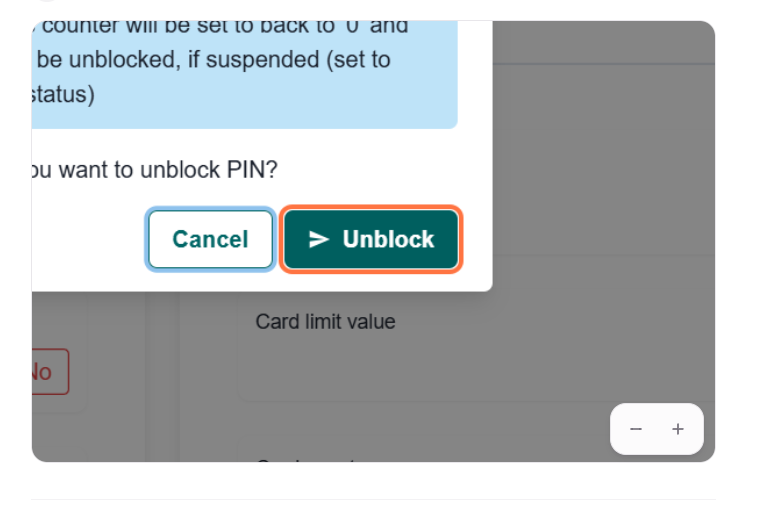
After following these steps, your PIN will be unlocked and your card is ready to use. If you need any help, feel free to reach out to our support team for assistance.
Other Related Articles
Still need help?
Sonny Hellmers
Senior currency specialist
Loading Comments...
We use cookies to ensure that we give you the best experience on our website. If you continue to use this site we will assume that you are happy with it.