How to Create a Statement from Within the Card Portal
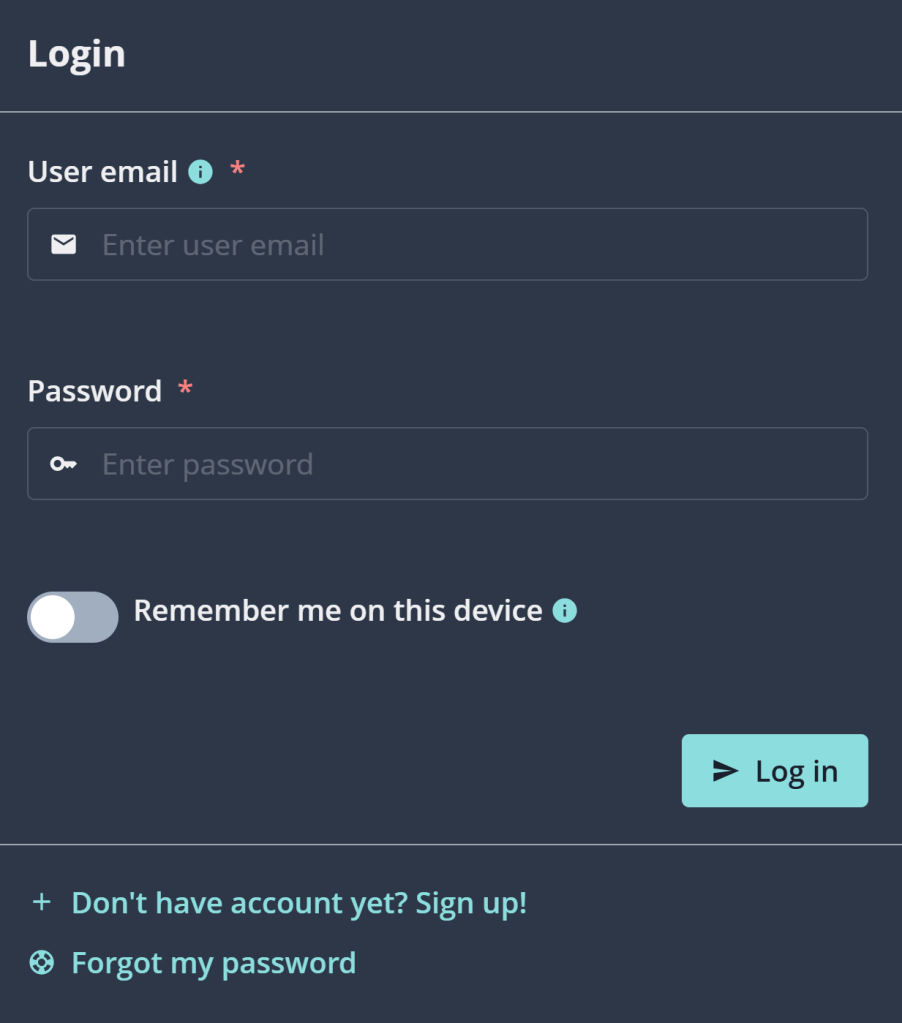
Go to your Finseta account at business.finseta.com/log-in.
Enter your email address and password, then enter the Confirmation Code when prompted.
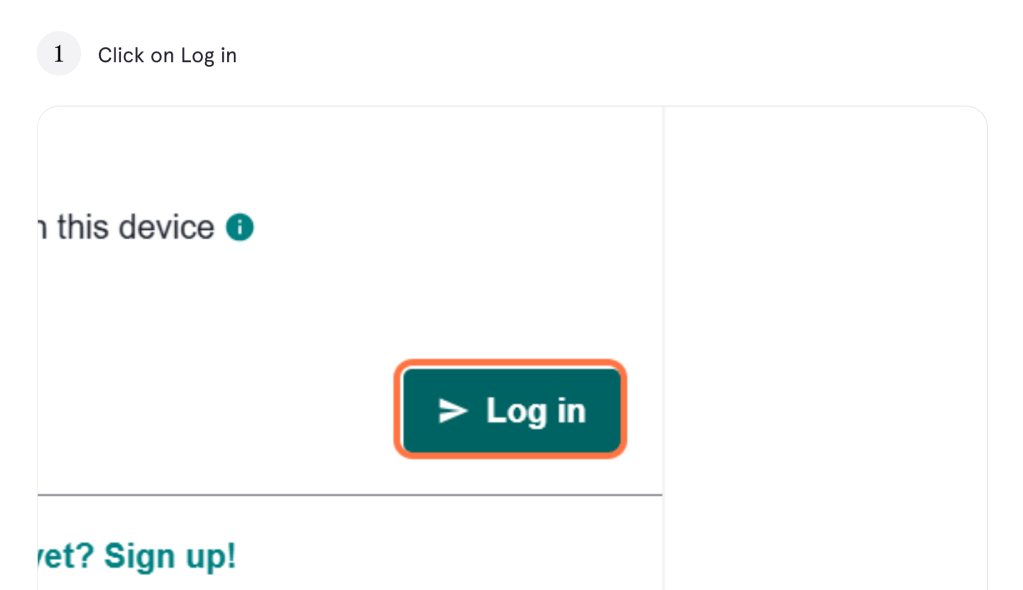
Click Log In to access your account dashboard.
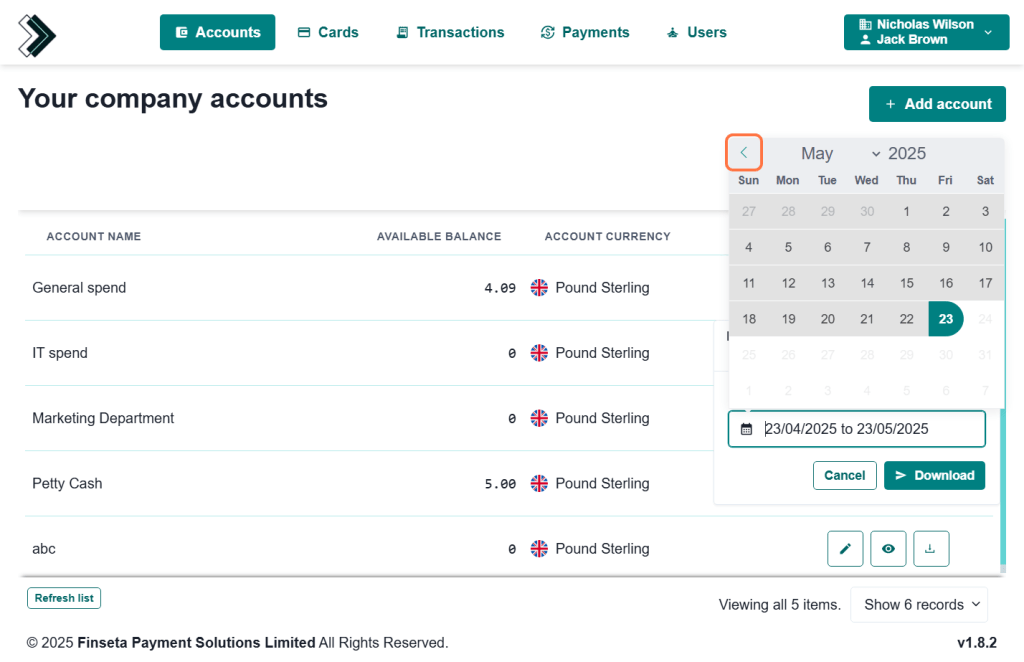
Select which account you want the statement for and click on the download icon on the right
Enter your desired date range and Download
Senior currency specialist